Most of my customers use their MOGRTs for the obvious things — social clips, documentaries, corporate videos, training videos. But every now and then some of them surprise me with how they actually use theirs, and how much (or how little) they automate. Here are some surprises.
Where do people actually use their MOGRTs?
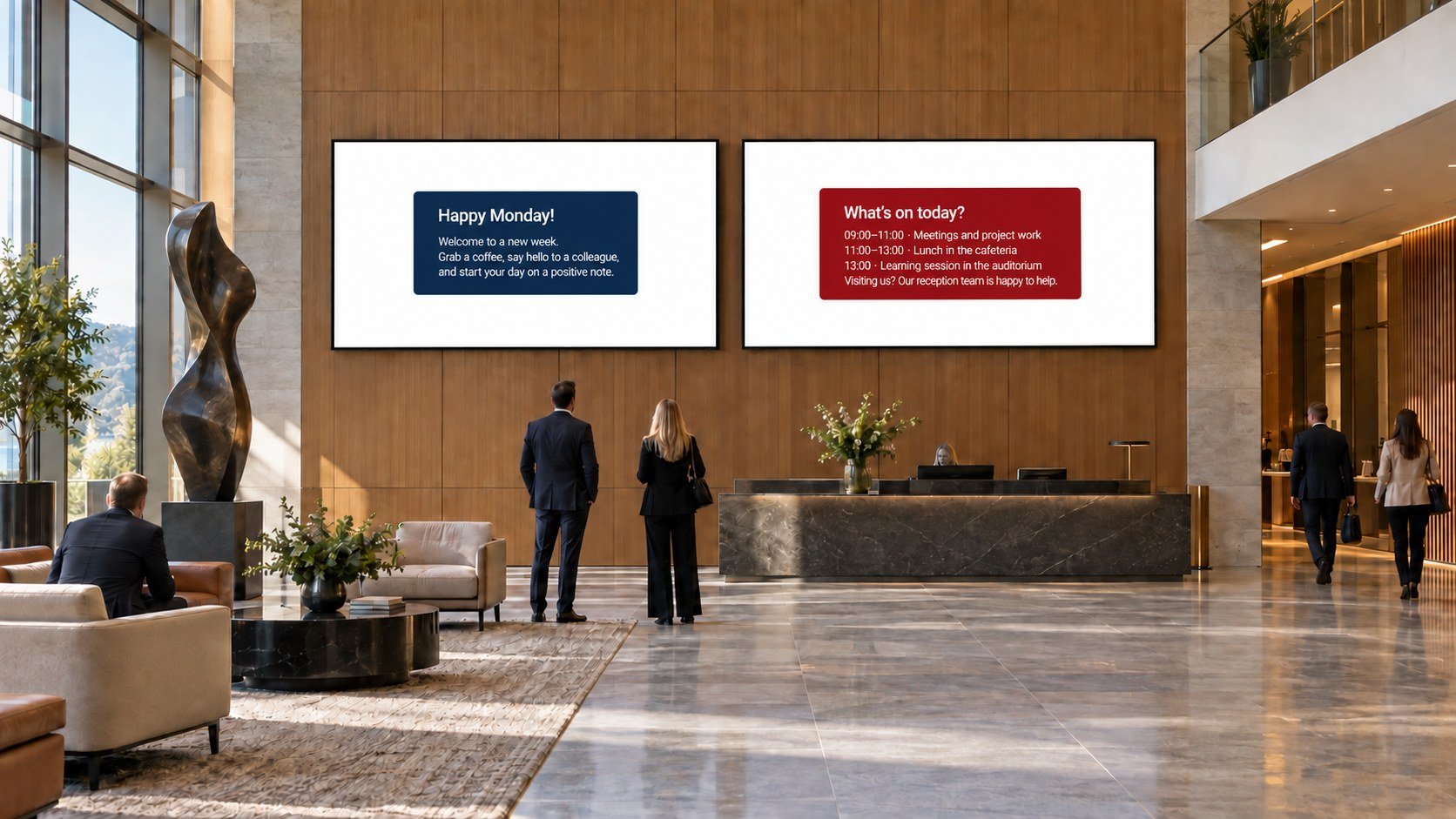
I love making Motion Graphics Templates, and most of the time they end up in social media clips, documentaries, corporate and training videos. But the outliers are the fun part: some customers use them mostly for digital signage in their buildings, some for PowerPoint presentations, and some for keynotes and kickoffs.
How much do people automate?
The amount of automation varies a lot, too. Some type every text into every MOGRT by hand. Others use spreadsheets to populate all the texts and graphics in the timeline automatically, which you can do with help from the MOGRTizer Timeline Plotter plugin.
Some change every color, format and animation choice etc. manually in every instance of every MOGRT. Some busy people use the MOGRTizer Batch Sync plugin to change color, format and other settings for all the MOGRTs in the timeline with a single click.
Manual or automated — which should you choose?
I wish the people who work manually would watch/read my guides on MOGRT automation tactics and see just how much time they could save. But hey; some get paid by the hour and want to work manually. That's their prerogative, I guess.
But if you're paid by the project and need to save time, or you're paid by the hour and would rather spend your time on more fun or important things, then you should definitely look into the MOGRTizer Motion Graphics automation workflows.
FAQ
What do people use MOGRTs for besides video editing?
Beyond social, documentary and corporate video, customers use them for e-learning, digital signage, PowerPoint presentations, and live keynotes and kickoffs.
Can I populate MOGRTs from a spreadsheet?
Yes. Plugins like the MOGRTizer Timeline Plotter plugin read a spreadsheet and fill the text and graphics across your timeline automatically, using the settings you choose in the spreadsheet.
You can use the MOGRTizer Data File Builder to create the spreadsheet if you want to. You can also download a free spreadsheet template from the same page.
Can I change all my MOGRTs at once?
Yes. Plugins like the MOGRTizer Batch Sync plugin can update color, format and other settings across every MOGRT in the timeline with one click.
Is manual editing ever the right choice?
It's hard to see where not using automation would be beneficial.