Stock MOGRTs are cheap and fast, but they are also generic and off-brand. Bespoke MOGRTs lock to your colors, fonts and logo and work in every format your channels need, and there are several ways to get them, from a fully custom build to a quick online order. Here is how to choose.
What is wrong with stock templates?
Nothing, to start with. They are a fine way to learn what is possible. But at any scale they hold you back: they are generic, they rarely match your brand, they are often 16:9 or 9:16 only, they can depend on plug-ins, and they are sometimes not Universalized for other languages. The further you get into producing consistent, high-volume video, the more those limits cost you.
Your options, from fastest to most custom
There is no single right route. Pick the one that matches your budget and how custom you need to be:
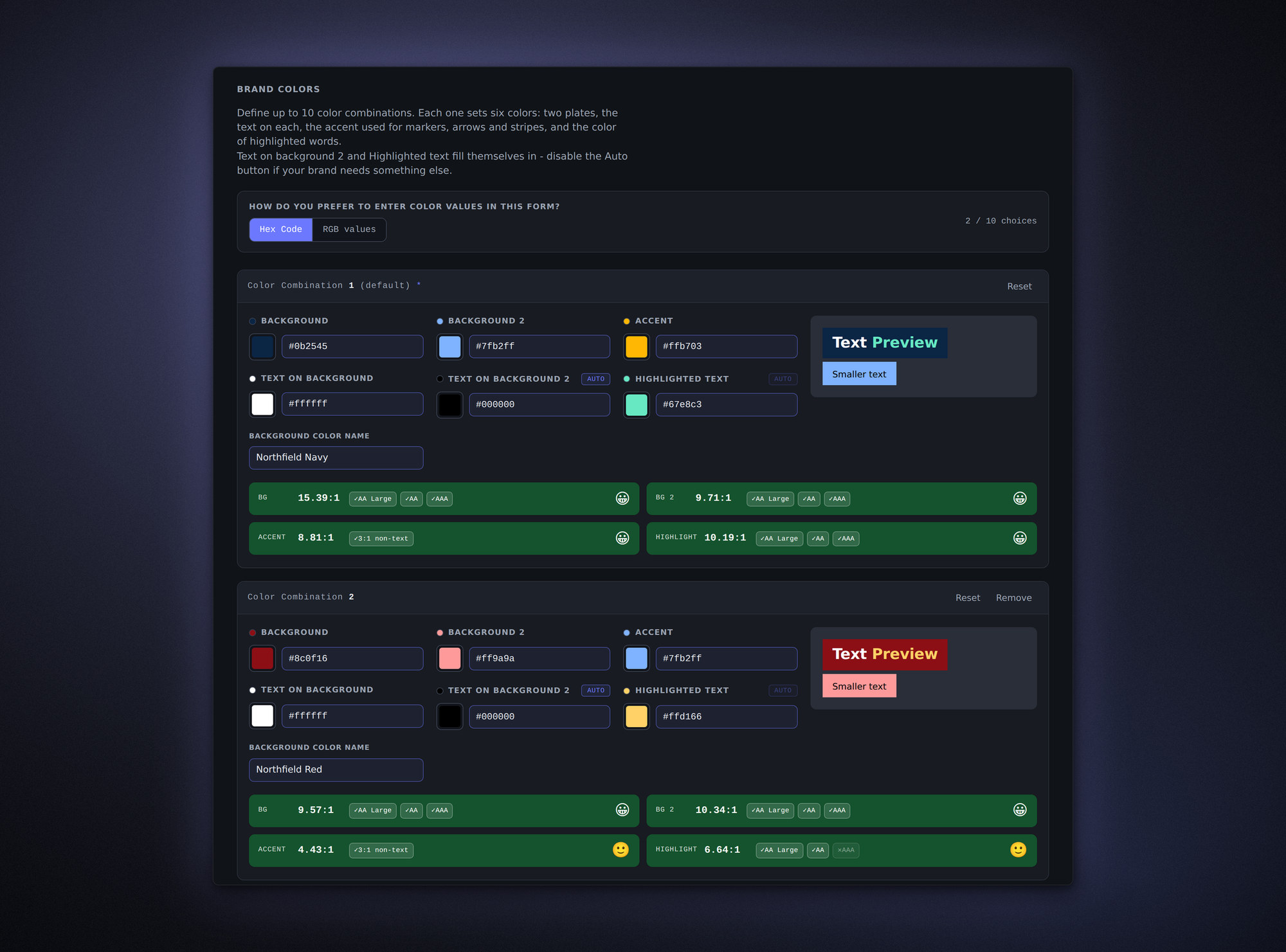
- Use an online form to choose a package and an animation style, enter your brand colors as hex or RGB values, add your logo, and link or upload your fonts (fast and affordable). You get a package locked to your brand, as MOGRTs and OGraf/Resolve graphics, covering 9:16, 2:3, 4:5, 1:1 and 16:9 in UHD and HD, with a free Safe Zones template included. This is what the Online MOGRTizer form is for.
- Optimize or convert what you already have (medium). Make your existing templates work in every aspect ratio, lock them to brand colors and fonts, and optimize the code. The same applies to After Effects templates you have bought, or your own existing After Effects projects, which can be converted into clean, user-friendly MOGRTs.
- Build from scratch (most custom). A full package designed against your design manual: lower thirds, intros, titles, credits, callouts, highlighters and social titles, all tailored to your brand. It is the most involved route, but everything is exactly as you want it.
- Run a workshop (build in-house knowledge). If you would rather own the capability, I can teach a few people on your team the techniques and build some templates together, so you can keep making your own.
What you should get either way
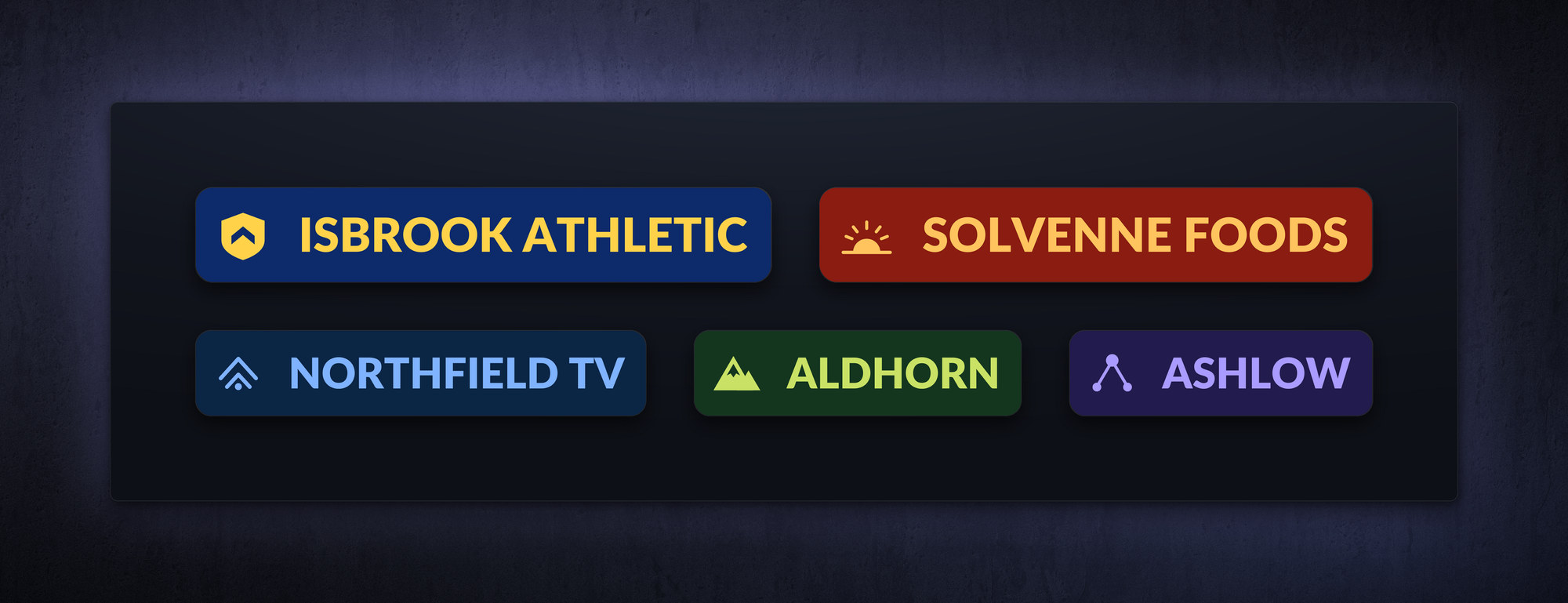
However you commission them, hold custom templates to a standard. They should be locked to your brand colors and fonts, work in all the aspect ratios you publish to, be Universalized for every language version of Premiere, and be optimized and tested for smooth playback.
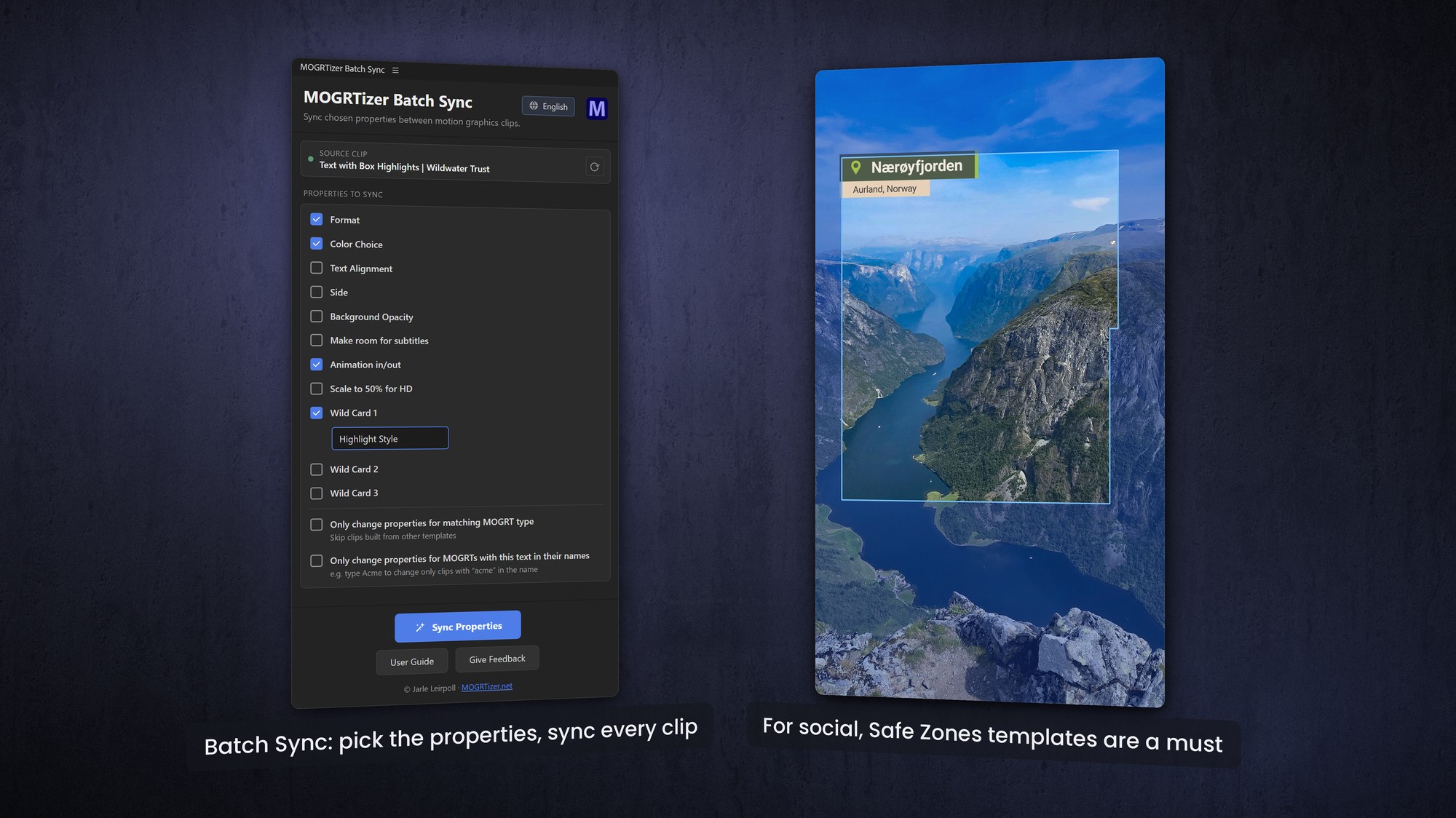
Ideally you also get a batch panel that changes the color, format and font across every template in a sequence with one click, a free Safe Zones template for social formats, and templates that also work in DaVinci Resolve and OGraf players. That is the full MOGRTizer standard, and it is a good checklist to measure any supplier against.
Why it is worth doing right
Custom motion graphics raise the production value of everything you publish, stop the scroll, and keep your brand instantly recognizable across every channel. For full disclosure on where this advice comes from: I wrote the Making MOGRTs eBook for Adobe and The Cool Stuff in Premiere, and I have been teaching After Effects to editors and motion designers for more than two decades.
If you want custom templates built, existing ones converted, or your team trained to do it themselves, get in touch and we will find the right approach.
Frequently asked questions
Are custom MOGRTs worth it compared to free templates?
For occasional use, free templates are fine. For consistent, high-volume, on-brand video across multiple formats, custom templates save far more time than they cost and keep everything on-brand.
How fast can custom MOGRTs be made?
It depends on the route. An online form package is the quickest, converting existing After Effects work is in the middle, and a from-scratch package against a design manual takes the longest.
Can you convert our existing After Effects project into MOGRTs?
Yes. Existing After Effects projects and purchased templates can be reconfigured into user-friendly MOGRTs, locked to your brand and working in every aspect ratio.
Can you make our templates work in vertical and square video?
Yes. Templates can be rebuilt to cover 16:9, 9:16, 2:3, 4:5 and 1:1 from a single frame-size control, so editors switch format without retyping.