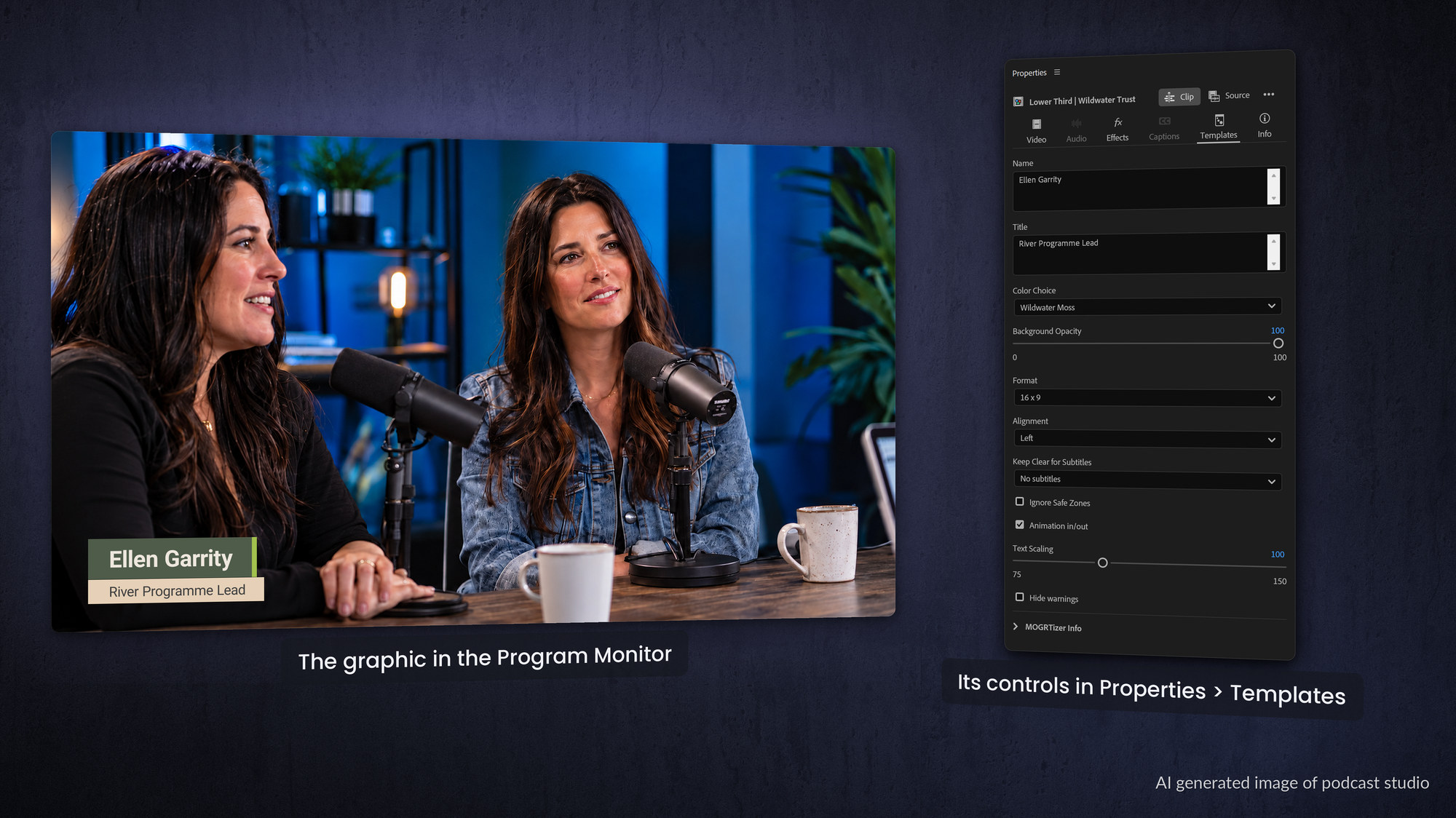
A MOGRT (Motion Graphics Template) is a packaged, reusable graphic that a video editor drops straight into Adobe Premiere and customizes without ever touching a keyframe. Lower thirds, titles, animated charts, callouts, transitions, social media overlays.
If it moves and the editor needs to change the words, colors or pictures, it is probably a MOGRT. The files end in .mogrt and live in Premiere's Graphics Templates panel (called the Essential Graphics panel in older versions).
What does MOGRT stand for?
MOGRT is short for MOtion GRaphics Template. Most people say it out loud as mo-grt or simply call them templates. The idea is the same as a document template: a designer builds the hard part once, locks down what should not change, and exposes a few friendly controls so anyone can produce a finished, on-brand result in seconds.
What can you actually do with a MOGRT?
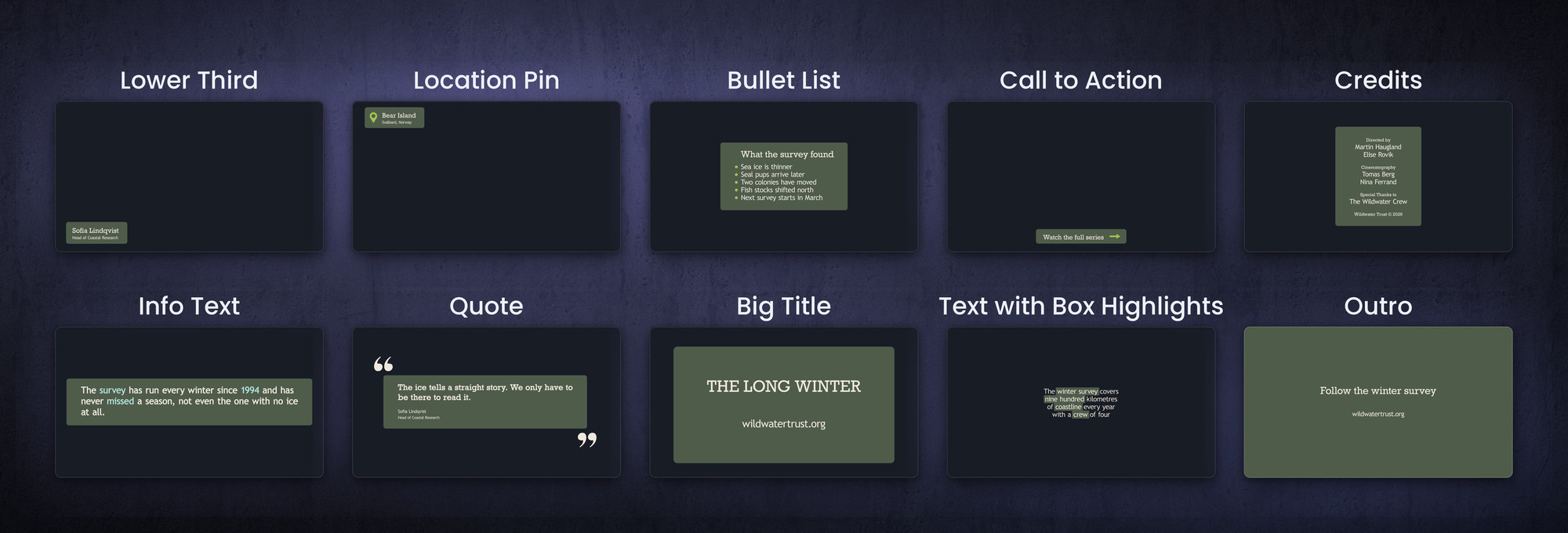
Almost any repeatable graphic in a video can become a template. The most common ones are:
-
- Titles and lower thirds for names, job titles and section headers.
- Transitions. Pre-animated moves between scenes or clips.
- Callouts and labels, arrows, highlights and annotations that point at something on screen.
- Social media overlays subscribe buttons, like and follow animations, hashtags.
- Animated charts and statistics bar, line and pie charts, often driven from a spreadsheet.
- Countdowns, intros, credits, logo animations, slideshows and animated captions.
They are not only for traditional video . The same templates are handy for countdowns at events, animated slides in a presentation, and digital signage, where a little motion makes an info screen far more eye-catching than static text.
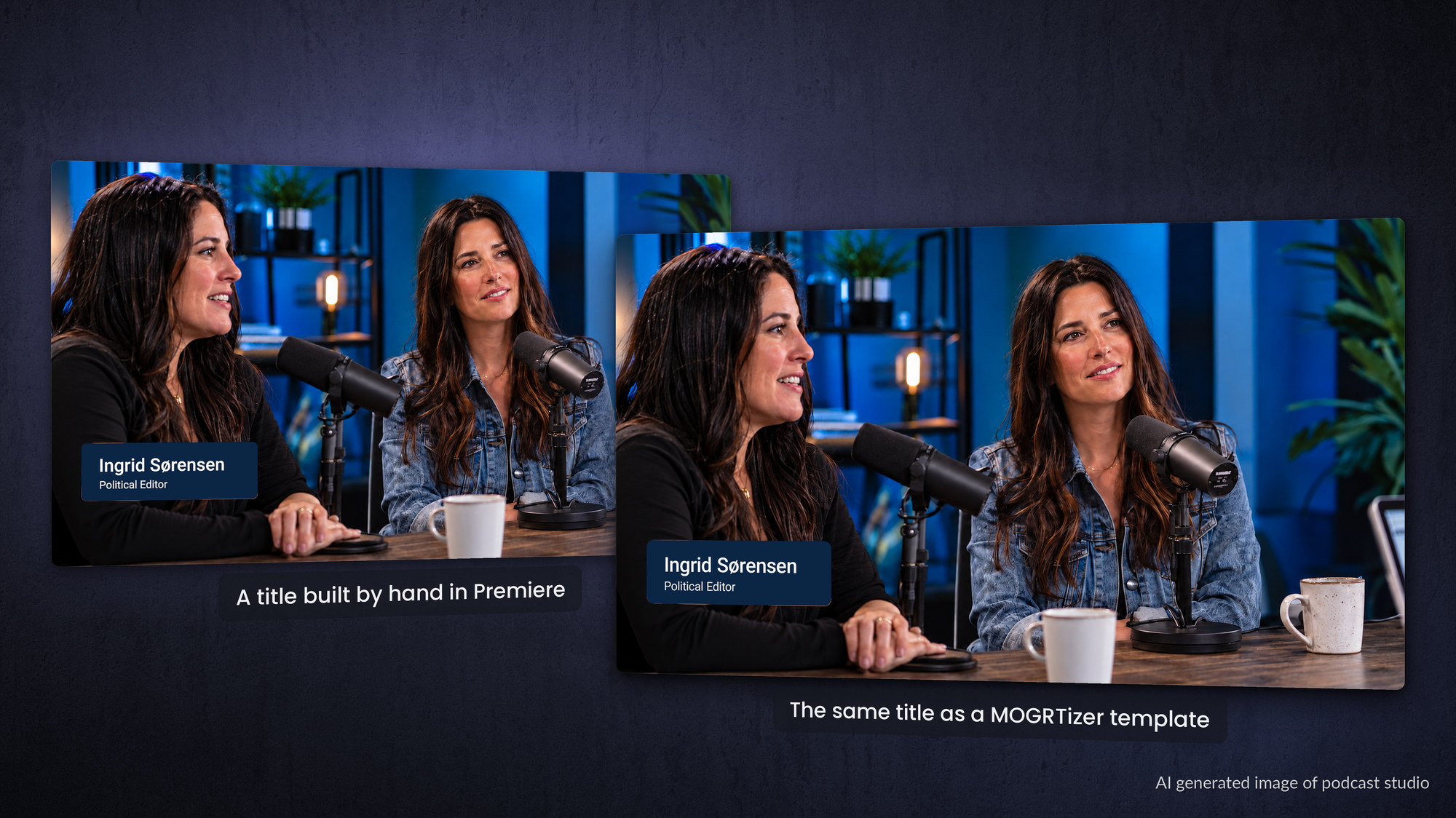
Why do editors and brands love them?
Three reasons.
Speed: by automating the repetitive parts of an edit, a good template set can easily double a content creator's output.
Consistency: because colors, fonts and logos are baked in, every video looks like it came from the same brand, no matter who edited it.
And accessibility: friendly controls like dropdown menus, checkboxes and sliders turn motion design into something a non-animator can use. Think of MOGRTs as motion graphics for people who do not know how to do motion graphics.
There is a workflow bonus too. Teams have reported that they save many hours every week because templates and bespoke plugins speed up their graphics workflow, making the traditionally boring task both faster and more enjoyable.
With media-replacement templates the editor simply drags a new image or video onto a drop zone and the animation rebuilds itself around it. Fewer clicks, less mouse mileage, finished videos faster.
Where do MOGRTs come from?
Simple ones can be built in Premiere, but the best ones are built in After Effects, where expressions (JavaScript-based code) add the user-friendliness and automation. The template is then exported as a .mogrt for the Premiere editor to use.
They can be built from scratch against a brand's design manual, or converted from existing After Effects projects and templates. That is exactly the kind of work a branded MOGRT system like MOGRTizer is built to deliver: templates locked to your colors, fonts and logo, ready to drop into Premiere and DaVinci Resolve.
Frequently asked questions
What does MOGRT stand for?
MOGRT stands for Motion Graphics Template, a reusable, editable graphic for Adobe Premiere saved as a .mogrt file.
Where are MOGRTs stored?
They appear in Premiere's Graphics Templates panel. Built-in templates and ones you install live in a Local Templates folder, or in a Creative Cloud library, and you can also point Premiere at your own custom folders.
Can I edit a MOGRT without After Effects?
Yes. The whole point of a MOGRT is that the Premiere editor changes text, colors and media using simple on-screen controls, with no After Effects needed.
Are MOGRTs free?
Premiere ships with free templates, and there are many free and paid packs online. Custom, brand-locked templates are usually commissioned or built with a service.