A surprisingly small set of expressions does most of the heavy lifting in a good MOGRT: linking text between layers, switching colors from a menu, simple conditional logic, and clean automatic layout. Here are the ones I reach for on almost every build, with code you can adapt. Keep the optimization tips from the article on optimizing MOGRT playback in mind as you use them.
Keep two text layers identical
A classic need: two text layers that must always show the same words and styling, for example in two different layout choices, without precomposing. Put this on the Source Text of the follower layer and it copies both the text and the style from the master layer, so you only edit one:
style = thisComp.layer("Name L").text.sourceText.getStyleAt(0);
style.setText(thisComp.layer("Name L").text.sourceText);
The same principle applies to the Fill Color of shape layers and any other property you want to stay matched in several places. Link both to a Color Control, and change is automatic.
A clean on/off switch with a ternary
For show and hide, or any simple either/or, the ternary operator is far tidier than a nested if/else. Read the dropdown, then return one of two values:
var variant = effect("Format")("Menu");
(variant == 1) ? 100 : 0   // opacity on for format 1, off otherwise
Let users pick a color from a dropdown
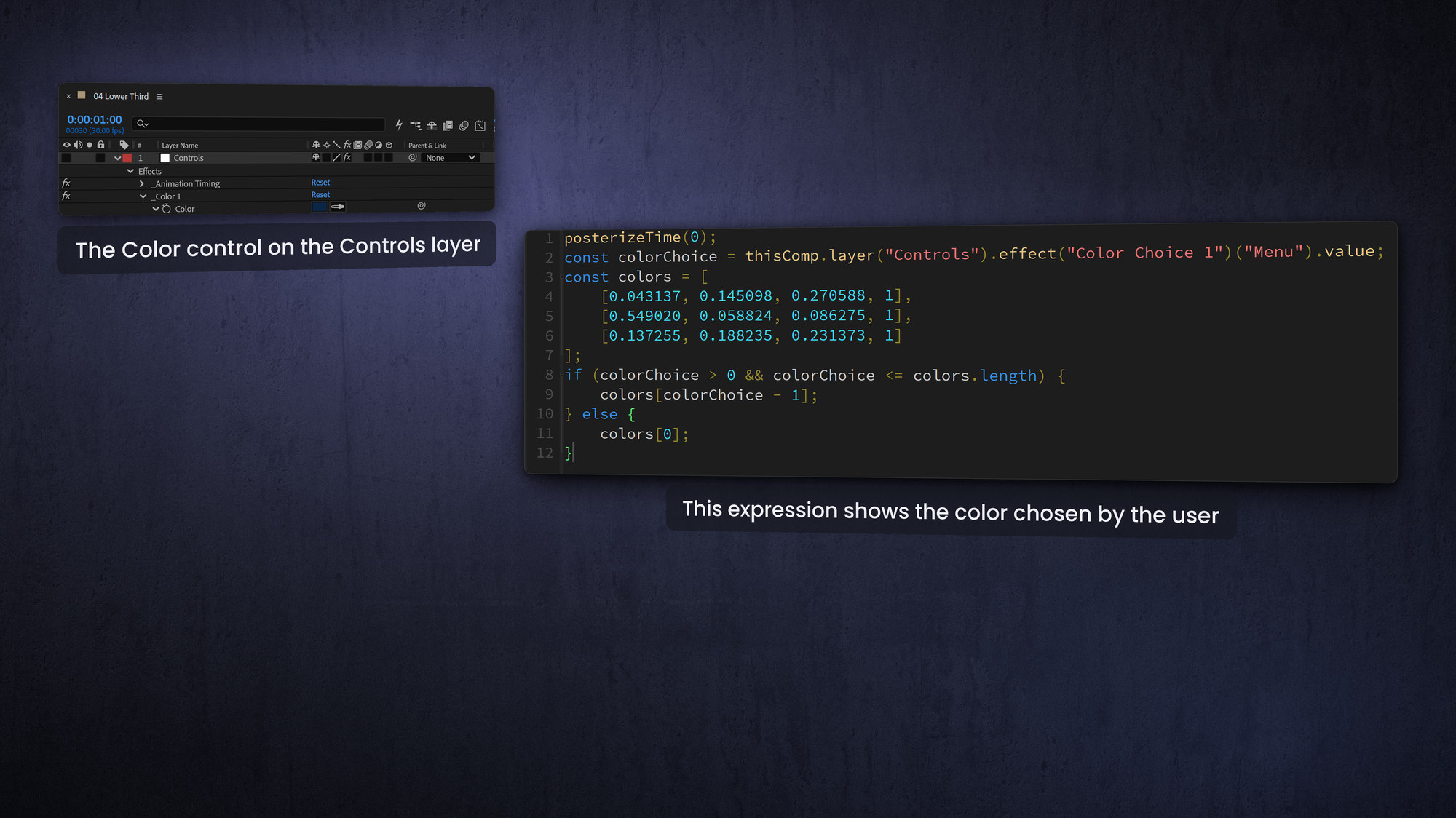
To give editors an approved set of colors, drive a Color Control from a menu. One readable approach keeps the color logic in a marker comment and pulls it in with eval(), which doubles as a tiny internal code library. First, the code stored in the marker (or directly on the property):
myColor = thisComp.layer("Control").effect("Color Choice")("Menu");
if (myColor == 1) a = "#ff0000";       // Red
else if (myColor == 2) a = "#0000ff";  // Blue
else a = "#00ff00";                    // Green
hexToRgb(a.toString());
Then, on the Fill Color of one or more shape layers, evaluate the marker comment as code:
myCode = thisComp.marker.key(1).comment;
eval(myCode);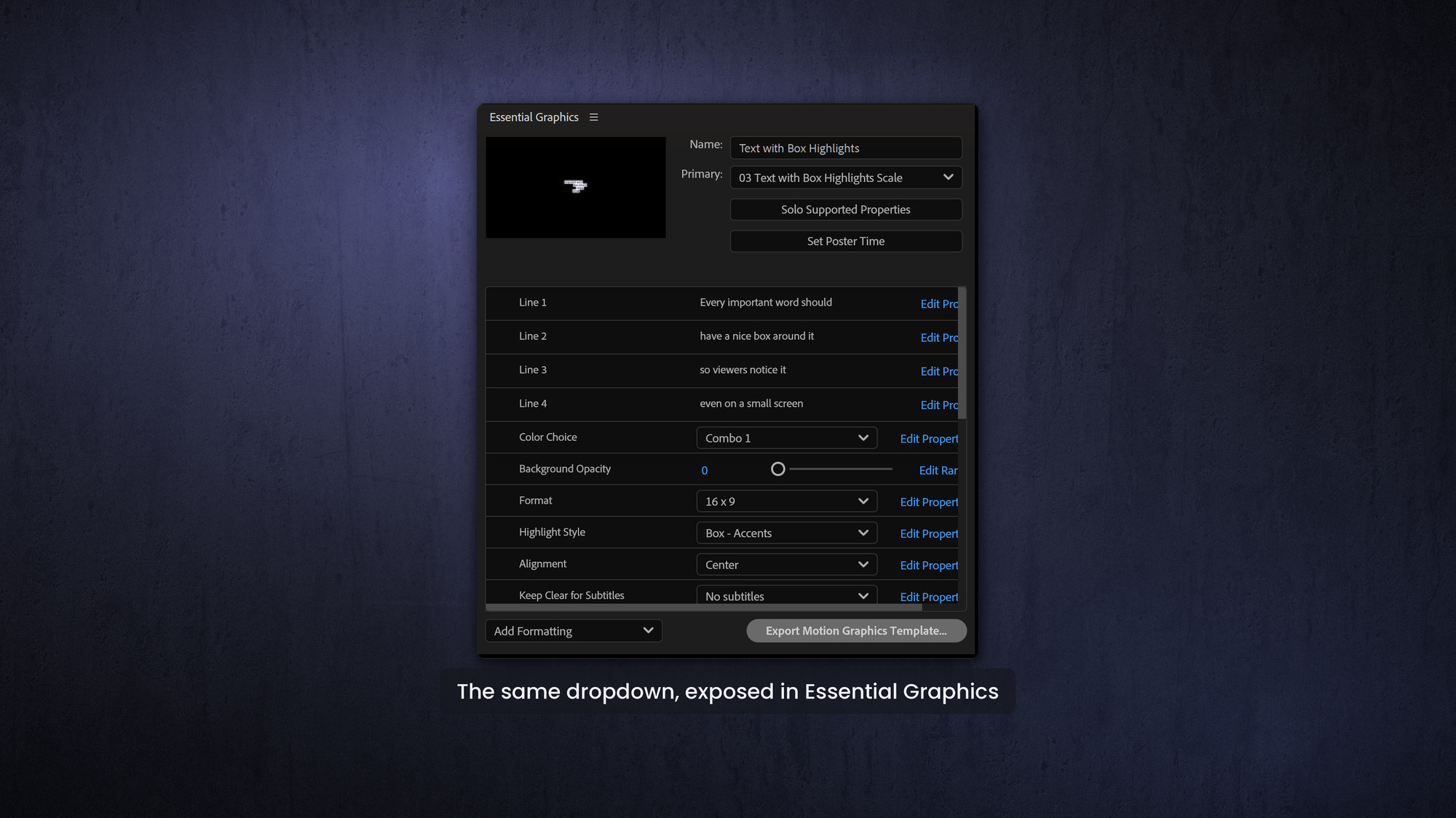
Style chaining with the text API
After Effects' newer text API lets you set several style attributes in one readable chain, which is handy for templates that change size, color, alignment or even text direction from a control:
const s = text.sourceText;
newStyle = style
  .setFontSize(200)
  .setFillColor([1, 0, 1, 1])
  .setText(s)
  .setJustification('alignRight');
// .setDirection('left-to-right')  or  'right-to-left' for RTL languages
Highlight specific words
For emphasized-word templates, drive a font or weight change over a range of words with sliders. The core idea is to split the text into words and restyle only the ones inside the chosen range:
var startWord = effect("Highlight Start")("Slider") - 1;
var endWord   = effect("Highlight End")("Slider") - 1;
var style = text.sourceText.style;
var words = text.sourceText.value.split(" ");
var idx = 0;
for (var i = 0; i < words.length; i++) {
  var pos = text.sourceText.value.indexOf(words[i], idx);
  if (i >= startWord && i <= endWord) {
    style = style.setFont("YourFont-Bold", pos, words[i].length);
  }
  idx = pos + words[i].length;
}
style;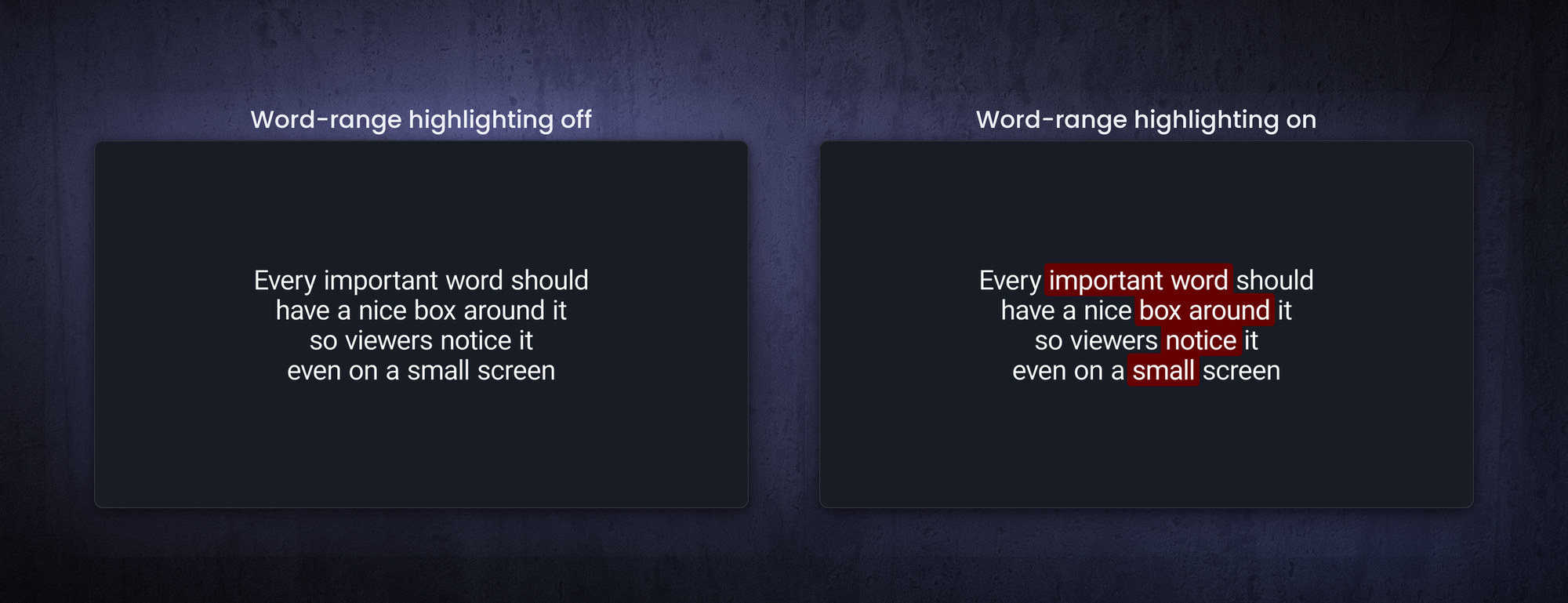
Align instead of stacking layers
Where you might be tempted to make a separate layer for each line, an align expression often lets one layer do the job. Fewer layers means a leaner template that is easier to maintain and faster to play back, which ties straight back to the optimization habits in the previous post: store reused code in an external JSX file, reference a fixed frame in sourceRectAtTime(), and keep each calculation inside its own expression.
Frequently asked questions
How do I link two text layers in After Effects?
Put an expression on the follower's Source Text that reads the master layer's sourceText with getStyleAt(0) and setText(). Editing the master then updates both layers.
How do I let users pick a color from a dropdown?
Add a dropdown control, map each option to a hex value with if/else or a ternary, convert it with hexToRgb(), and apply the result to a Fill Color. You can also use RGBA values (0 to 1) directly.
What is the best way to write if/else in an expression?
For simple either/or choices, use the ternary operator (condition ? a : b). It is shorter and easier to read than nested if/else, and you can chain it for several options.
Can an expression change the font of specific words?
Yes. Using the text style API you can call setFont() on a character range, so sliders can bold or restyle a chosen range of words.