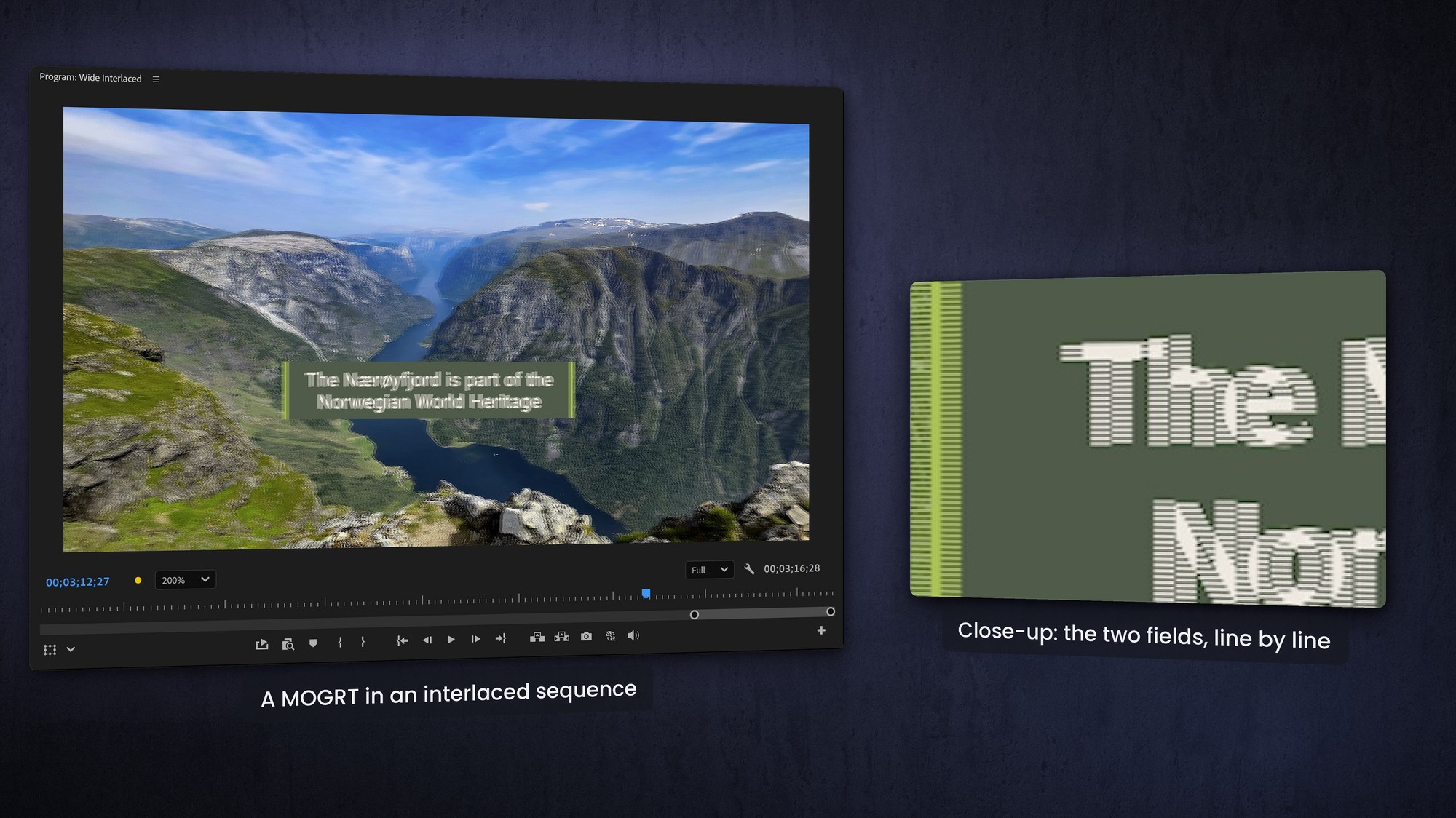
Short version: your MOGRTs are always progressive. After Effects can't even make interlaced compositions, and a .mogrt is really just a zipped After Effects project. Drop one into an interlaced Premiere sequence and Premiere rasterizes it into fields for you automatically.
The only thing to watch for is judder on thin horizontal lines or fast vertical motion — and a touch of vertical blur fixes that.
What happens when you drop a MOGRT into an interlaced sequence?
Automatic interlacing: Premiere handles the conversion. It samples your progressive template and renders it into the interlaced fields of your sequence.
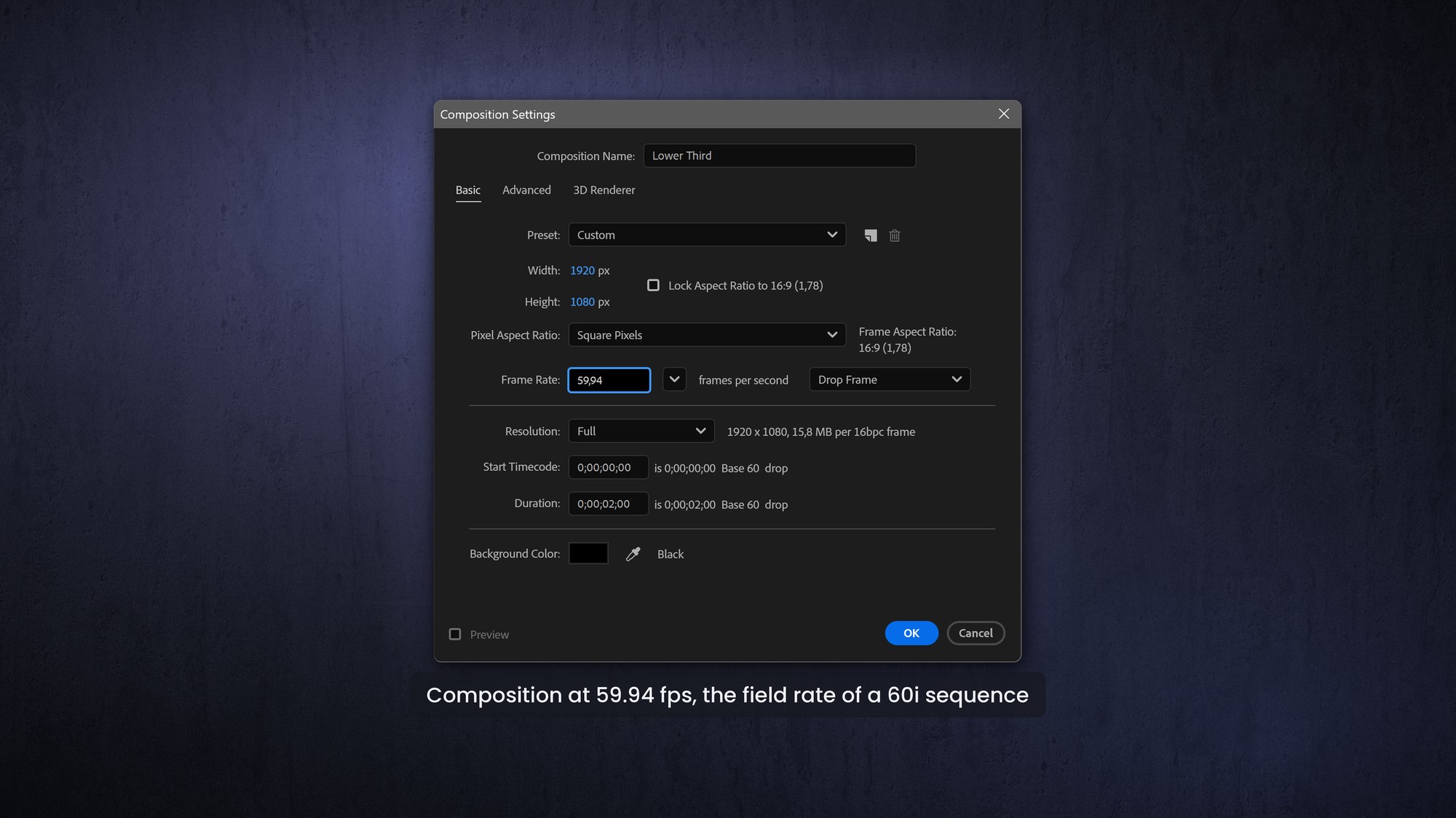
Keep the After Effects composition at a standard progressive frame rate, double the frame rate of your interlaced sequence: 59.94p for 29.97 fps (60i), and 50p for 25 fps (50i), and Premiere will handle the rest. Another way to put it would be: Keep the frame rate of your MOGRTs the same as the field rate of the sequence. Set the motion blur to 360 degrees to match footage shot interlaced.
Judder risk: sharp, thin horizontal lines or fast vertical movement in your After Effects design can cause flickering or "judder" when Premiere interlaces it.
The fix: apply a slight Directional Blur (90°, 0.5 to 1 pixel) or use the Reduce Interlace Flicker effect on problematic assets inside After Effects, before you export the template.
FAQ
Are .mogrt files interlaced?
No. They're always progressive — After Effects can't author interlaced comps — and a .mogrt is just a zipped AE project.
Will a MOGRT work in an interlaced Premiere sequence?
Yes. Premiere automatically renders the progressive template into the sequence's interlaced fields.
Why does my graphic flicker in an interlaced sequence?
Thin horizontal lines or fast vertical motion "twitter" when interlaced. Soften them with a slight 90° directional blur (0.5–1 px) or the Reduce Interlace Flicker effect in Premiere.
What frame rate should the AE composition use?
A standard progressive rate such as 50p or 60p. Premiere maps that into 50i/60i cleanly.